Smarter parental controls

Social media, your way

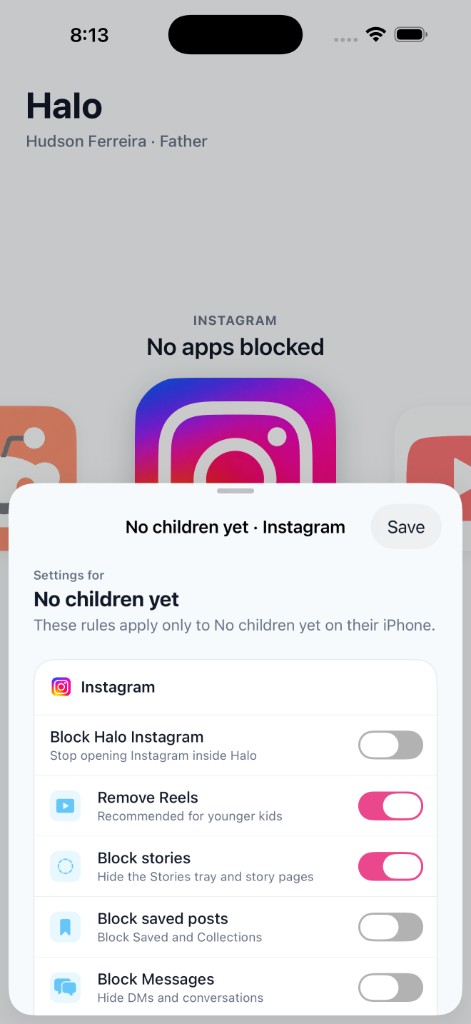
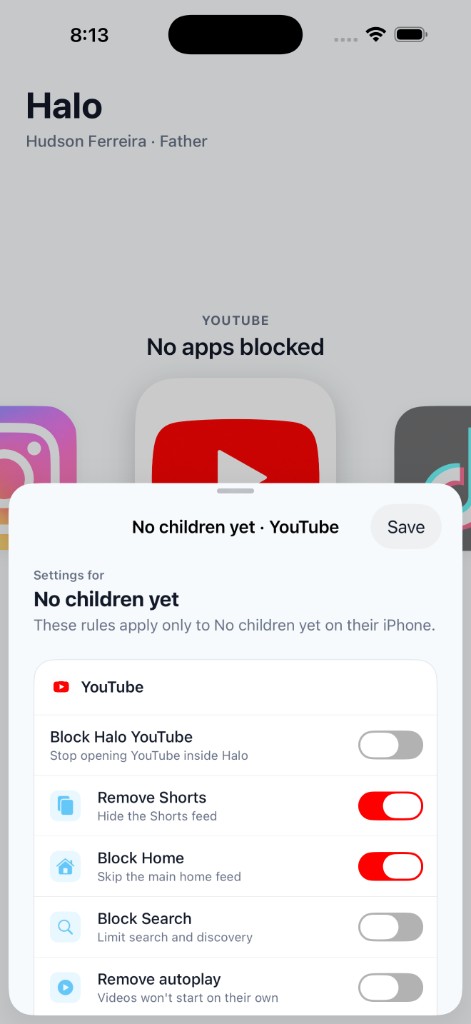
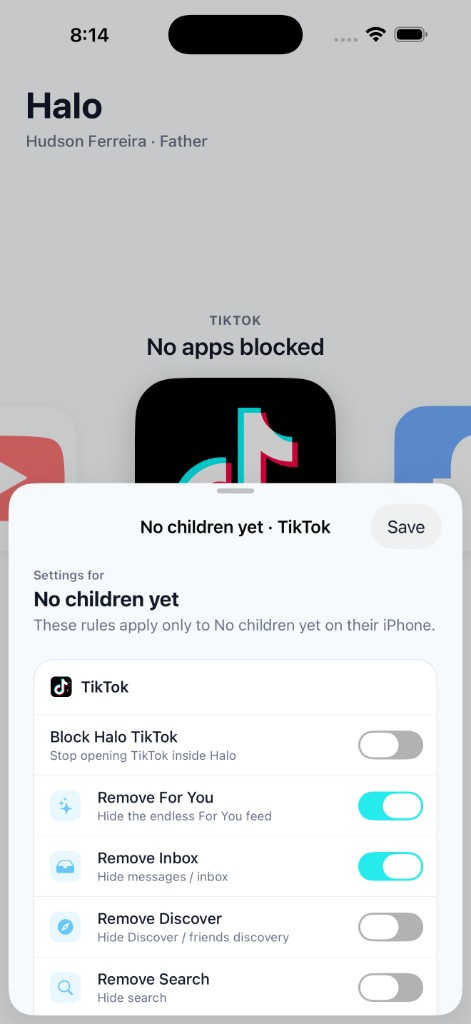
Remove Reels, Shorts, Spotlight, and the For You page — without blocking the whole app. Halo gives parents flexible control and kids a safer experience.

9:41
Halo Controls

Toggle features off for each app

Instagram

ReelsExplore

TikTok

For YouLive

YouTube

Shorts

3 features removed · Apps still usable

Works with the apps they use

Pick exactly what to remove from each platform — or block the app entirely when you need to.

I

Instagram

Reels, Explore, Stories

T

TikTok

For You, Live, Shop

Y

YouTube

Shorts, Home feed

S

Snapchat

Spotlight, Discover

F

Facebook

Reels, Watch

X

X

For You, Grok

Control what matters

Pick and choose which features to remove from each app. Give your kids the connection they want — without the parts you don't.

Remove Reels & Shorts

Strip endless scroll feeds from Instagram, YouTube, and TikTok while keeping messaging and profiles.

Block Spotlight & Stories

Hide Snapchat Spotlight, Stories, and other addictive loops without removing chat.

Remove the For You Page

Take out TikTok's algorithmic feed so kids connect without the endless content trap.

Full Block When Needed

Need a hard line? Halo can fully block any supported app — your rules, your choice.

How it works

Three simple steps to smarter social media management for your family.

01

Choose the apps

Select which social media apps your child uses — Instagram, TikTok, YouTube, Snapchat, and more.

02

Pick what to remove

Toggle off Reels, Shorts, Spotlight, the For You page, or any feature you want gone.

03

Set it and forget it

Halo applies your settings on your child's device. Update anytime from your parent dashboard.

Ready for smarter controls?

Join the waitlist and be the first to know when Halo launches.

Join the Waitlist